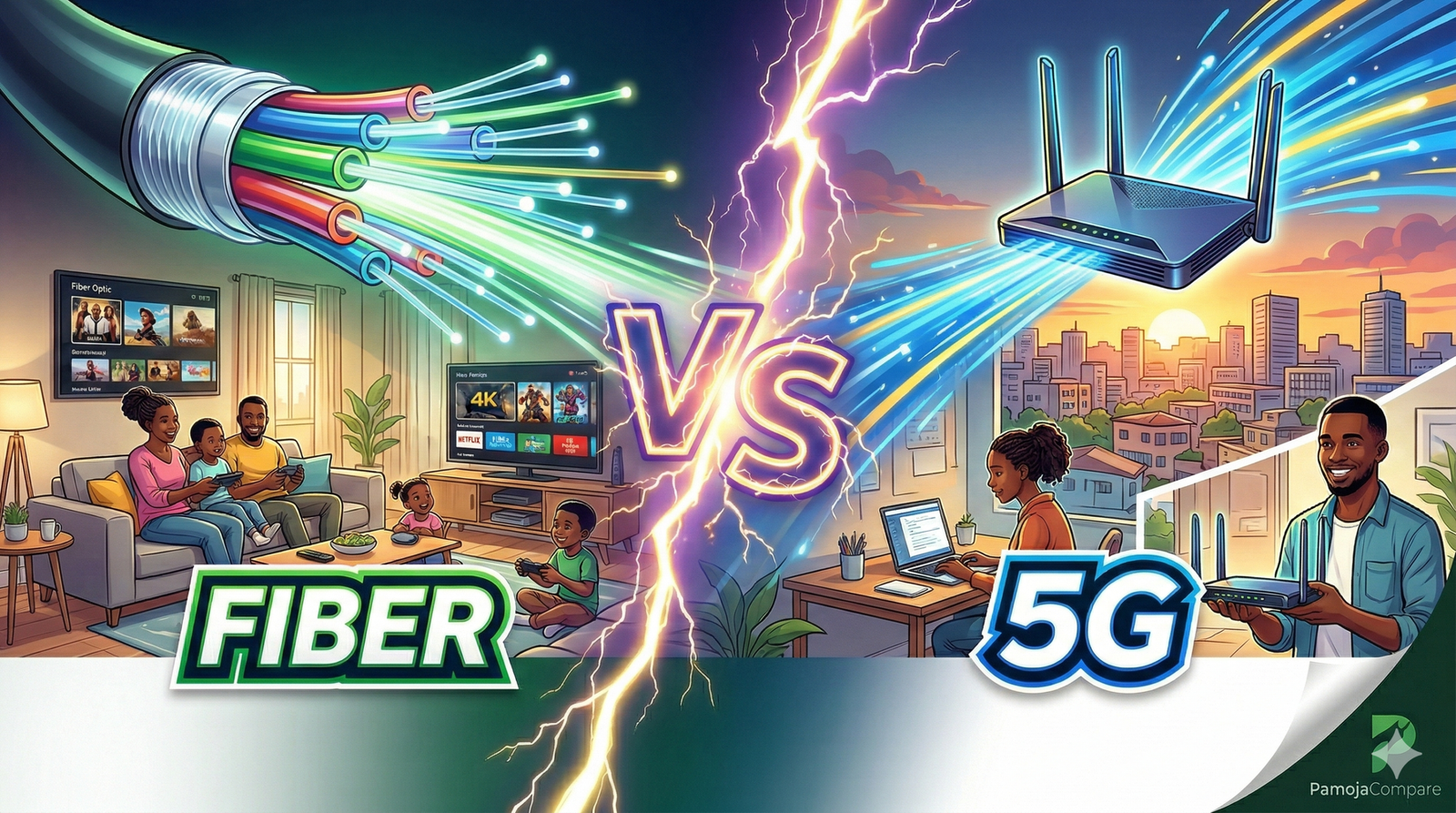
Remember when getting home internet meant begging a technician to “come this week, si kesho,” then waiting while they drilled through walls and disappeared with your router manual? Today, the technician drama has been replaced by a new dilemma: do you go all-in on fiber to the home (FTTH), or do you just plug in a 5G Home WiFi router and call it a day?
Both options can stream Netflix, power Zoom calls, and keep the kids on TikTok, but they do it in very different ways, with trade-offs that matter a lot in a Tanzanian living room.
Fiber’s Personality in Your Home
Fiber to the home sends data as light through tiny glass strands, instead of using electrical signals or radio waves. That makes it incredibly fast and very hard to disturb once the cable is in the ground or on the pole.
Because fiber uses light in a protected cable, it is almost immune to everyday weather. Rainstorms in Dar, fog in Arusha, even strong coastal winds won’t really touch your speeds unless the physical cable or power goes down.
A huge perk of FTTH is symmetrical speed: your uploads are roughly as fast as your downloads, which is gold for gamers, YouTubers, and anyone constantly sending large files to the cloud.
That symmetry and stability mean fiber comfortably handles 4K streaming on multiple TVs, big file backups, and low-latency online gaming all at once, even at busy evening hours.
Fiber’s Not-So-Fun Side
The catch? Getting fiber into your specific house or apartment can feel like going back to the “technician era.”
Rolling out fiber often requires trenching, running cables along poles, and scheduling an installer to wire your wall and activate the router; this can take days or even weeks depending on your street and building approvals.
If you are a renter in a tightly managed apartment block, the landlord or building manager might resist drilling or pulling new cables, which makes fiber more realistic for homeowners or long-term tenants than short-term renters.
And while fiber itself is solid in bad weather, a power cut still takes down the ONT (the fiber box) and WiFi unless you pair it with a UPS or backup power.
5G Home WiFi’s Personality
5G Home WiFi skips the cables and instead uses the same mobile network towers that power your smartphone, turning a 5G signal into WiFi for your entire home.
The biggest attraction is the setup: in many cases, you just plug in the 5G router, let it catch signal from the nearest tower, and you’re online. There is no trenching, no wall drilling, and no group WhatsApp with the landlord.
Because it is basically a fancy hotspot, 5G Home WiFi is very renter-friendly. If you move from Sinza to Mbezi, or from Arusha town to Njiro, you just pack the router in your suitcase and plug it in at the new place, as long as the new location has coverage.
In good signal areas, 5G can reach impressive speeds and low latency, easily handling HD and 4K streaming, video calls, and remote work on multiple devices.
5G’s Hidden Fine Print
The downside is that 5G lives in the “shared airspace” above your house.
5G uses radio waves that can be weakened by heavy rain, dense clouds, and physical obstacles like buildings and trees, which can cause slower speeds or even drops during bad weather.
Because you are sharing tower capacity with everyone else around you, your speed can dip during peak hours, typically evenings, when lots of neighbors are streaming and gaming at the same time.
This combination of weather sensitivity and congestion means you might enjoy blazing speeds at 10 a.m., then meet the spinning buffer wheel at 9 p.m. during a big football match or when rain is hammering the tower.
Upload speeds on 5G Home WiFi are usually decent, but they tend to be less consistent and less symmetrical than fiber, which can matter if you stream, back up a lot of data, or join critical video calls.
Fiber vs. 5G at a Glance
Here is a quick side-by-side snapshot to match the tech with the lifestyle:
| Category | Fiber to the Home (FTTH) | 5G Home WiFi |
| The Vibe | “Built-in, permanent, like installing plumbing.” Stable and low-drama once installed. | “WiFi to-go.” Feels like a super-charged hotspot for flexible, fast setup. |
| Setup Time | Requires scheduling, possible trenching or cabling; can take days or weeks. | Usually plug-and-play once coverage is confirmed; self-install in minutes or hours. |
| Weather Impact | Largely unaffected by rain, clouds, or wind since data travels in protected fiber lines. | Radio signal can weaken in heavy rain, fog, or storms, leading to slowdowns or drops. |
| Peak Hours | Dedicated line to your home keeps speeds consistent, even when neighbors are online. | Shares tower capacity; speeds can dip during busy evening and weekend hours. |
| Speed Profile | Very fast and consistent; symmetrical uploads and downloads on many plans. | Can be fast but more variable; uploads and latency depend on signal quality and congestion. |
| Portability | Fixed to the address where it’s installed; not practical to move frequently. | Easy to move within the coverage area; great if you change houses or cities often. |
| Best Tasks | Heavy multi-device streaming, pro-level remote work, gaming, big uploads and backups. | Everyday streaming, browsing, and work for households that value flexibility over rock-solid stability. |
Which One Belongs in Your Tanzanian Living Room?
There is no single universal winner here; there is just the best match for your current life situation, and maybe your landlord’s mood.
- Fiber suits you if: You own your home or plan to stay put for a few years, you have a full house of streamers and gamers, or your job absolutely cannot tolerate random lag during meetings or uploads.
- 5G Home WiFi suits you if: You rent and move often, live in a building where new cabling is a nightmare, or just want a fast connection that you can carry from one apartment or even one city to another as long as coverage is strong.
A lot of Tanzanian households will actually mix the two over time: starting with 5G for instant connectivity in a new place, then upgrading to fiber once they settle and the provider finally reaches their street.
Whichever direction you are leaning, do not choose blindly based on an advert or a friend’s screenshot of a speed test from another neighborhood. Before you commit, jump onto PamojaCompare and check the latest quarterly updates, coverage areas, and real monthly tariffs for fiber and 5G Home WiFi providers in your area. Your living room and your wallet will thank you.